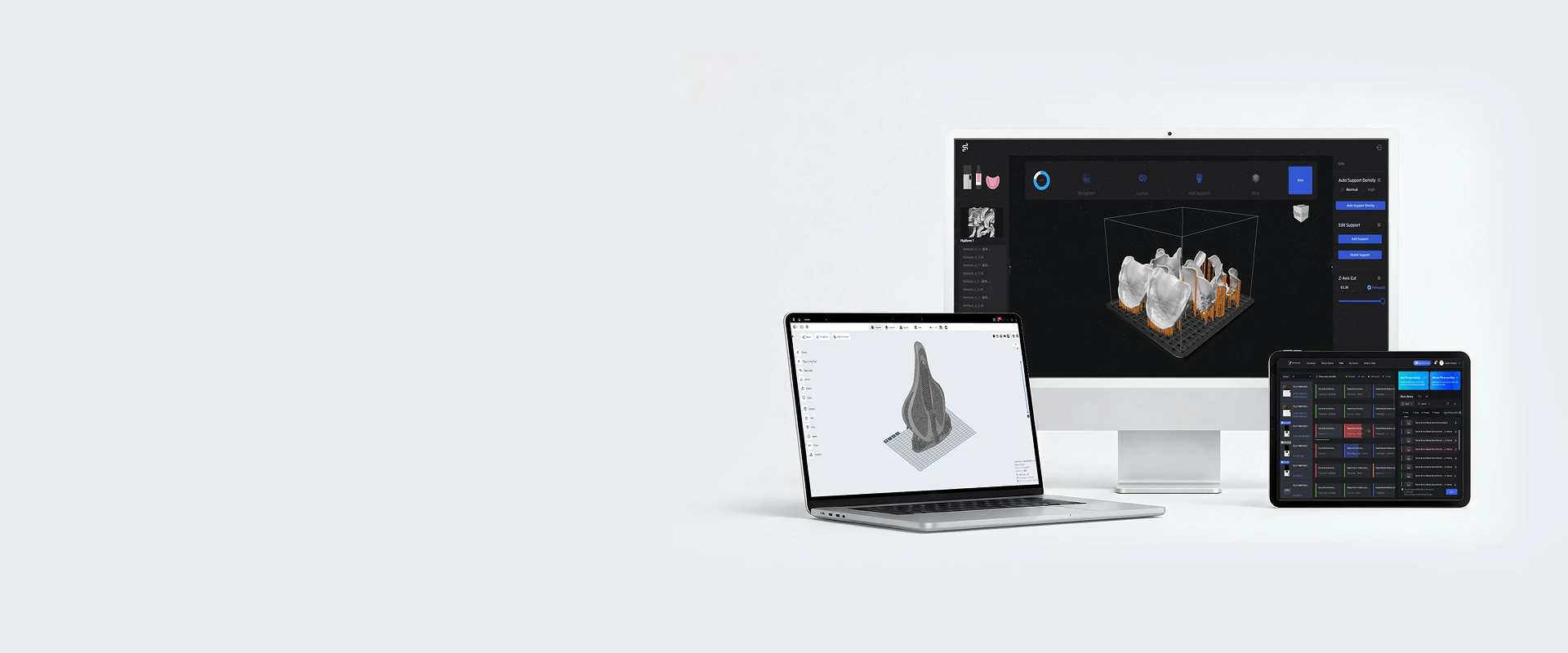
Simplify How You Set, Run, and Scale 3D Printing

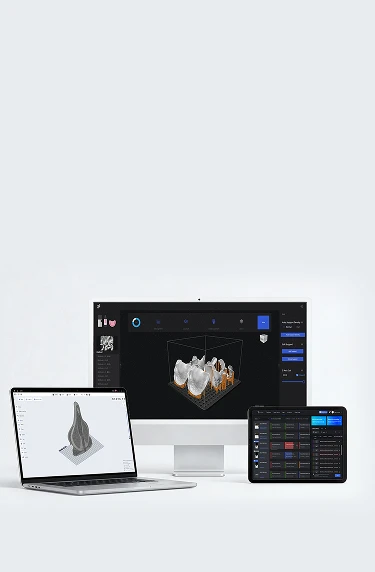
HeyGears software brings your entire 3D printing workflow into one clear, efficient system. Easily configure print settings, control print jobs, and monitor printers in real time—whether you're running one machine or managing a full production fleet.

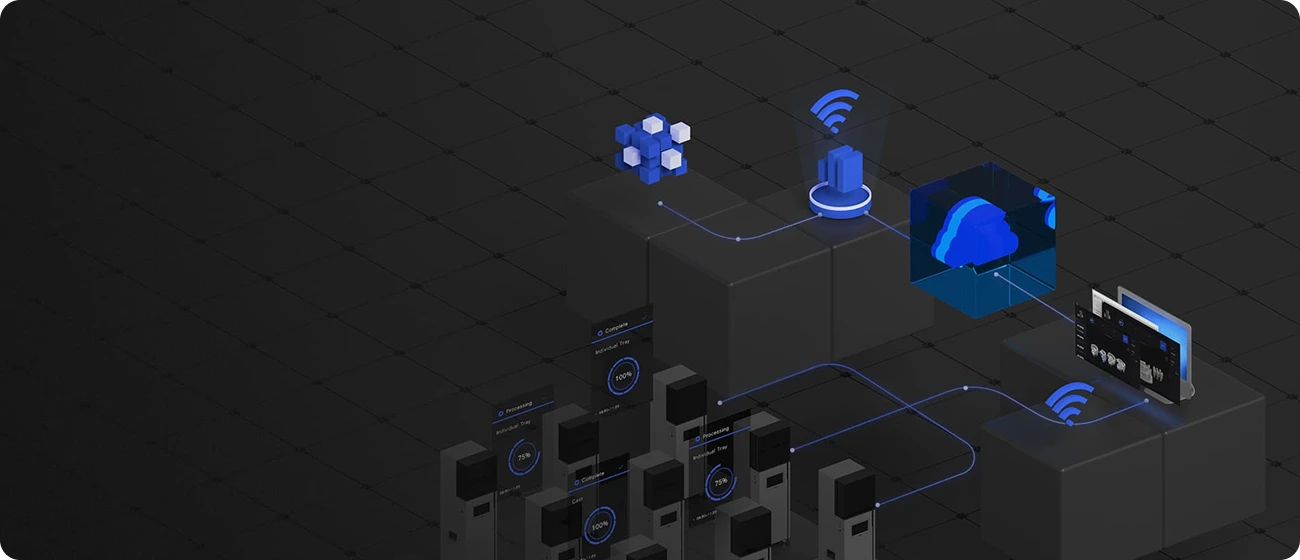
HeyGears Cloud

A SaaS Platform for Integrated Production Solutions

Learn More

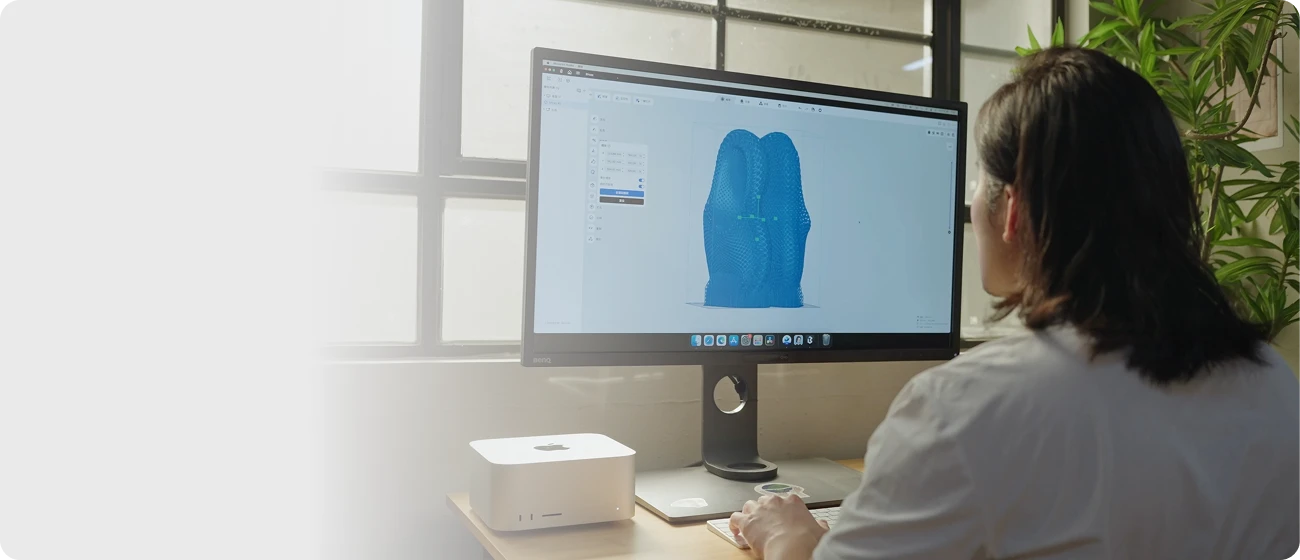
HeyGears Blueprint

HeyGears Blueprint intelligently connects and manages each step of production process, from pre-processing, printing to post-processing, for best results.

Learn More

Download Blueprint

Blueprint Studio
Windows
Download Instructions
For Windows 10 and above
macOS
Download Instructions
For Macs run on Apple m-series processors
macOS
Download Instructions
For Macs run on Intel processors
Blueprint Go
Android
iOS
Download Instructions
1. Computer Requirements
For Windows
Minimum Configuration
· Memory: 16 GB
· CPU: Intel i5 (10th Generation or above) or AMD Ryzen 7 (3000 series or above)
· Operating System: Windows 10 Version 1703 or above
Recommended Configuration
· Memory: 32 GB
· CPU: Intel i7 (12th Generation or above) or AMD Ryzen 9 (5000 series or above)
· Graphics Card: Nvidia GeForce GTX 1080 Ti or above
· Operating System: Windows 10 Version 1903 or above
For macOS (Apple Silicon)
Minimum Configuration
· Memory: 8 GB
· CPU: Apple M1
· Operating System: macOS Monterey 12.0 or above
Recommended Configuration
· Memory: 16 GB
· CPU: Apple M2 Pro or above
· Operating System: macOS Ventura 13.0 or above
For macOS (Intel)
Minimum Configuration
· Memory: 16 GB
· CPU: Intel i5(5th Generation or above)
· Operating System: macOS Monterey 12.0 or above
Recommended Configuration
· Memory: 16 GB
· CPU: Intel i5(7th Generation or above)
· Operating System: macOS Ventura 13.0 or above
2. Network Requirement
Your device needs to remain connected to the network while accessing HeyGears Blueprint Studio to fully utilize features such as remote device access, control, and scheduling management.
Blueprint Go
Download Instructions
1. Computer Requirements
For Windows
Minimum Configuration
· Memory: 16 GB
· CPU: Intel i5 (10th Generation or above) or AMD Ryzen 7 (3000 series or above)
· Operating System: Windows 10 Version 1703 or above
Recommended Configuration
· Memory: 32 GB
· CPU: Intel i7 (12th Generation or above) or AMD Ryzen 9 (5000 series or above)
· Graphics Card: Nvidia GeForce GTX 1080 Ti or above
· Operating System: Windows 10 Version 1903 or above
For macOS (Apple Silicon)
Minimum Configuration
· Memory: 8 GB
· CPU: Apple M1
· Operating System: macOS Monterey 12.0 or above
Recommended Configuration
· Memory: 16 GB
· CPU: Apple M2 Pro or above
· Operating System: macOS Ventura 13.0 or above
For macOS (Intel)
Minimum Configuration
· Memory: 16 GB
· CPU: Intel i5(5th Generation or above)
· Operating System: macOS Monterey 12.0 or above
Recommended Configuration
· Memory: 16 GB
· CPU: Intel i5(7th Generation or above)
· Operating System: macOS Ventura 13.0 or above
2. Network Requirement
Your device needs to remain connected to the network while accessing HeyGears Blueprint Studio to fully utilize features such as remote device access, control, and scheduling management.

Hi there!

How can we help?